Using a Review Reply Chrome Extension to Save Hours Every Week
See how a review reply Chrome extension fits into a weekly routine, what to look for in one, and how…

iFilePost com is a free online toolkit built for USA-based local businesses that want to protect and grow their online reputation. Instead of generic, copy-paste text, our Google Review Reply Generator writes personalized drafts based on the star rating, the customer’s sentiment and your business type, so every reply sounds like you, takes seconds and stays within Google’s review policies.

Short, friendly texts that ask happy customers for a Google review with your direct link.

Polished review request emails with a clear subject line and one obvious button.

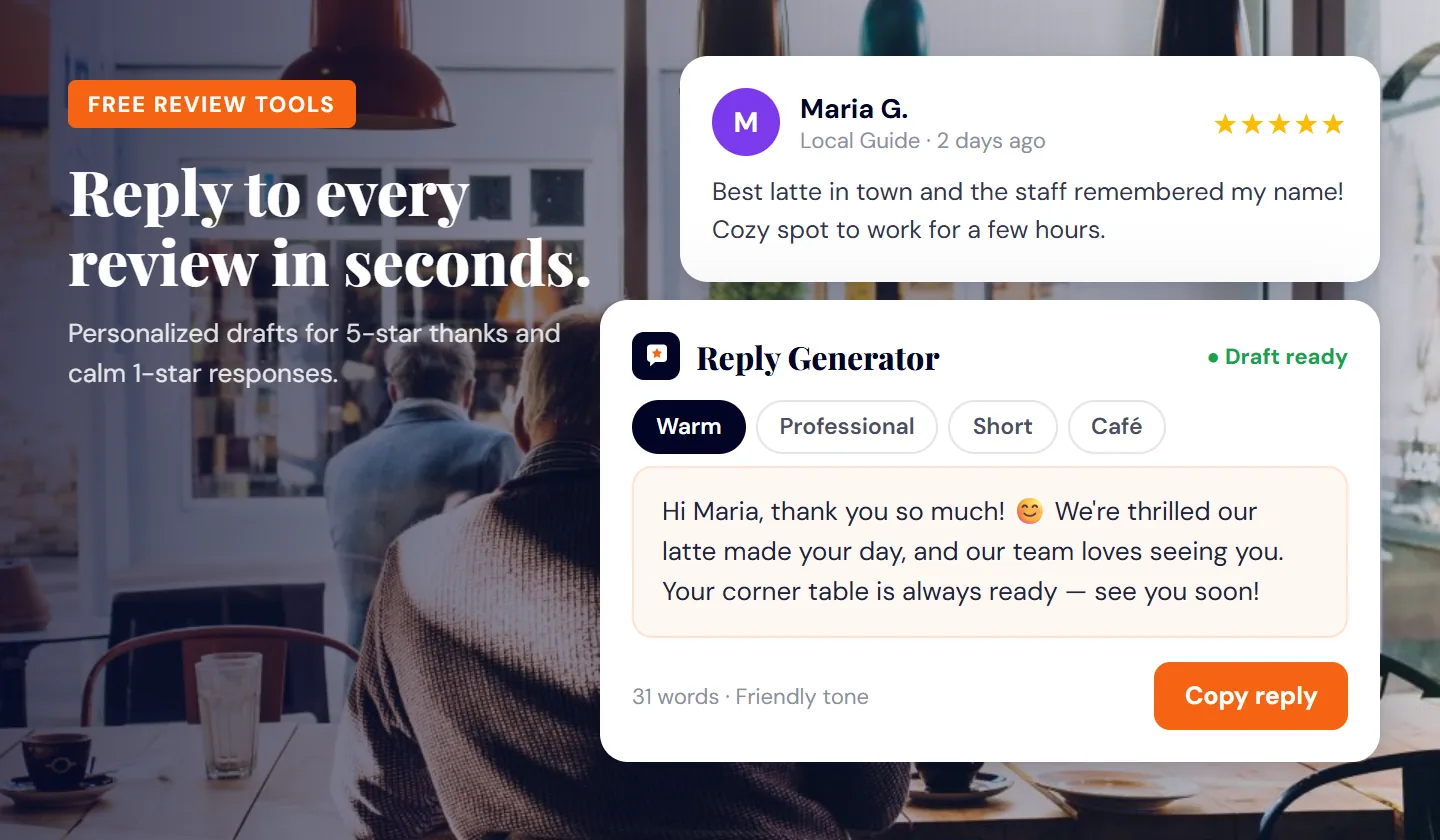
Turn glowing feedback into warm, specific thank-you notes that mention the customer, echo what they loved and invite them back, without sounding copy-pasted.

Answer complaints calmly. Get a professional draft that acknowledges the problem, apologizes sincerely and moves the conversation offline.
Personalized drafts for any rating, tone and business type in seconds.
Check your online reputation score and see exactly what to fix first.
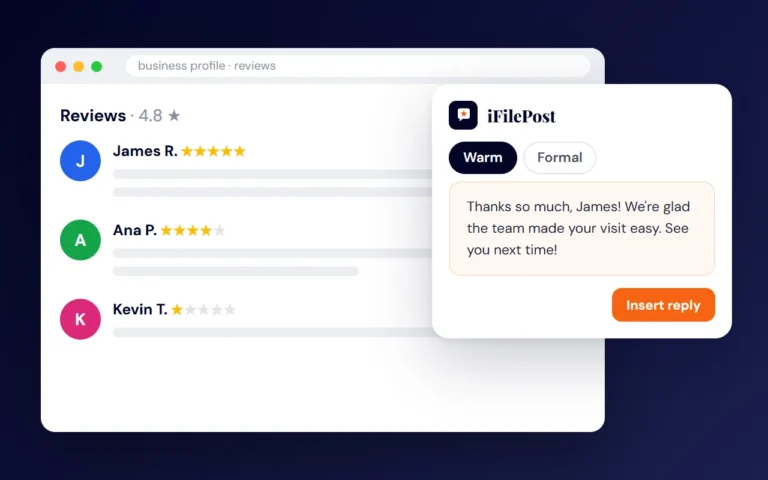
Draft replies right inside your Google Business Profile dashboard.
Real-world reply templates for praise, complaints and mixed feedback.
Paste a review and get a personalized draft that sounds like you.

Paste any Google review and get a personalized draft based on the rating, the customer's tone and your industry. Edit, copy and post in under a minute.

Thank loyal customers by name, echo the detail they loved and invite them back. Each draft is varied, so your profile never looks templated.

Respond to angry reviews with empathy and facts. Drafts stay calm, avoid arguments and give the reviewer a clear way to reach a manager.

Generate replies right inside your Google Business Profile dashboard. Pick a tone, insert the draft and move on to the next review.

Write short, friendly texts that ask happy customers for a Google review at the right moment, with your direct review link and a polite opt-out line.

Create polished review request emails with a clear subject line, a personal thank-you and one obvious button, ready for any email tool you use.

Learn when to ask, what to say at the counter and how to follow up without being pushy, all within Google's rules against review gating.

Step-by-step plans for handling a wave of bad reviews, rebuilding customer trust and turning critics into repeat customers over time.
iFilePost com is a free online reputation toolkit made for USA-based local businesses: the café on the corner, the family dental office, the two-truck plumbing company and the boutique on Main Street. Every tool focuses on one job owners face every week: answering reviews well and earning more of them.
Most reply tools hand you the same canned sentence for every customer. iFilePost com works differently. It reads the star rating, the customer’s words and your business type, then builds a reply that mentions what actually happened. Happy customers get a specific thank-you, and unhappy ones get a calm, professional answer that moves the conversation offline.
The tools run in your browser and never post on your behalf, so you stay in control of every word on your Google Business Profile. Use iFilePost com as your daily reply desk, your review request writer and your reputation coach, all for free.


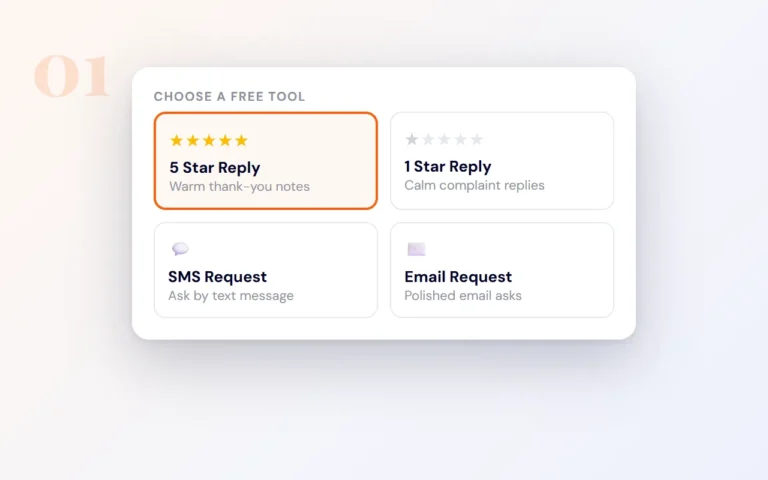
Pick the generator that fits the job: a Google review reply, a 5-star thank-you, a calm 1-star response, or a review request by SMS or email.

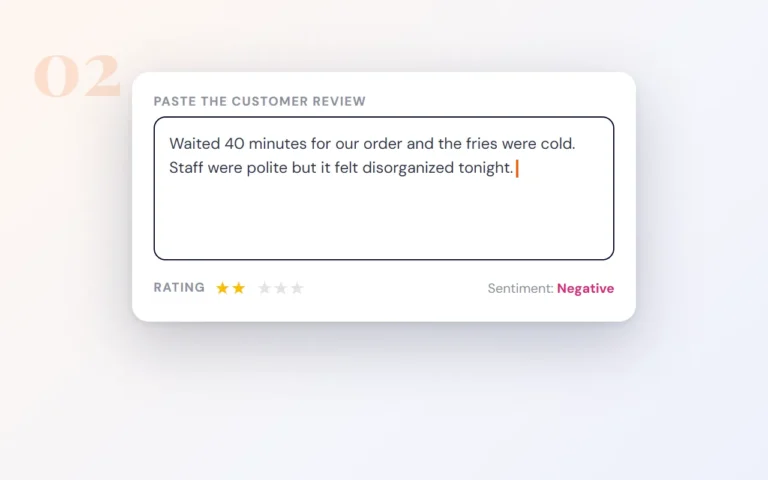
Add the customer's review text and star rating. iFilePost reads the sentiment, so a mixed 3-star review gets a different reply than a rave.

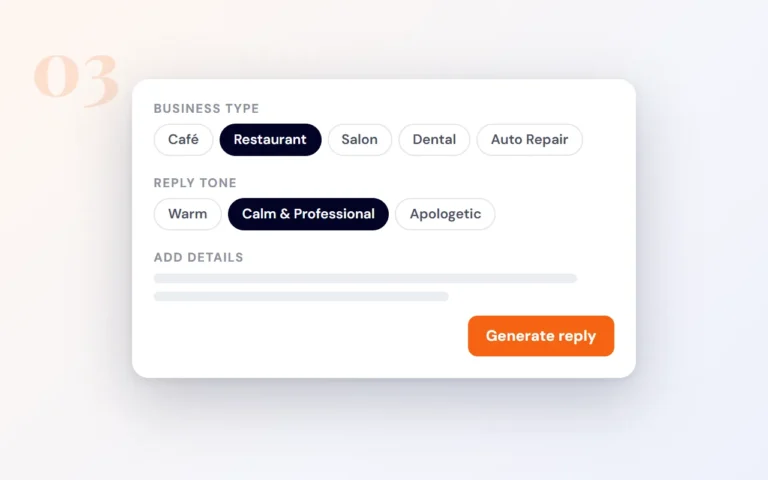
Choose warm, professional or apologetic, and tell us if you run a café, salon, dental office or auto shop. Details make replies feel real.

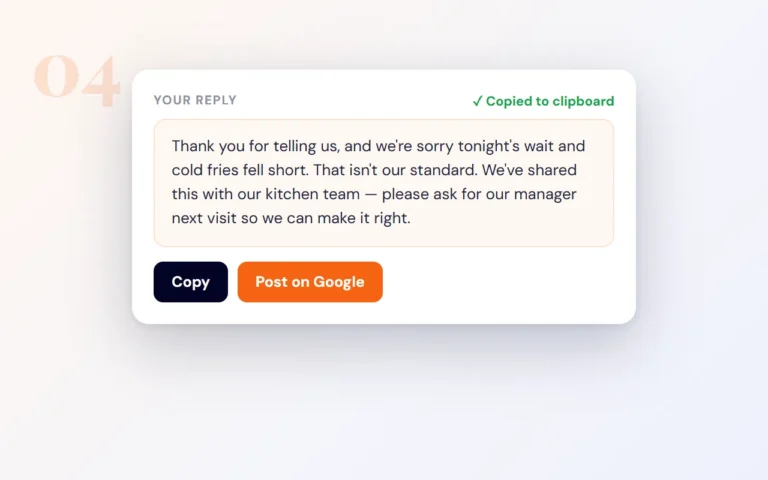
Review the draft, add a personal touch and paste it into your Google Business Profile. Most owners finish a reply in under a minute.

See how a review reply Chrome extension fits into a weekly routine, what to look for in one, and how…

Google reviews are tied to how Google judges prominence in local results. Here is what owners can reasonably expect from…

A timed, step-by-step checklist for auditing your local business reputation in about 30 minutes, covering search results, Google Business Profile,…

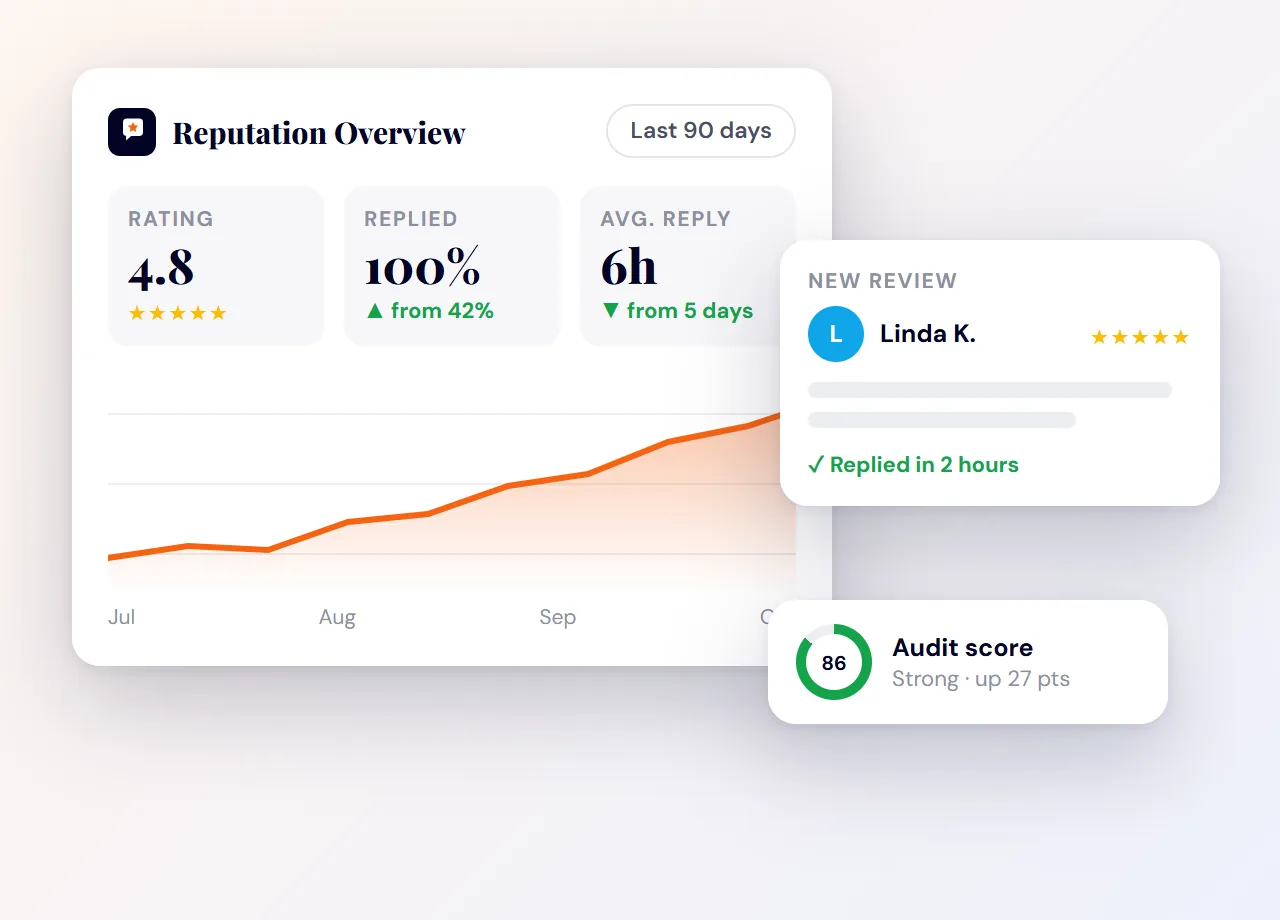
Your star rating is only part of the story. The free iFilePost com Reputation Audit looks at the signals customers and Google notice: review volume, recency, average rating, how often you reply and how fast. You get a clear score plus a short, prioritized to-do list.
Whether you run a family restaurant, a busy salon or a two-truck plumbing company, iFilePost com adapts every reply and review request to your industry, your customers and the way you actually talk.

Diners read reviews before choosing where to eat tonight. Thank regulars by name and turn a slow-service complaint into an invitation back.

Beauty clients book on trust. Personal replies that mention the stylist, the service and the result show new clients they are in good hands.

Plumbers, electricians and contractors win jobs on reputation. Calm, factual replies to tough reviews prove you stand behind your work.

Local shops compete with big-box stores on service. Friendly replies and steady review requests keep your Google Business Profile fresh.
Review Replies2 ArticlesTemplates, examples and expert guidance for replying to Google reviews, including 5-star thank-you notes…
Review Requests4 ArticlesProven SMS and email scripts, timing tips and strategies to ask happy customers for…
Reputation Management3 ArticlesPractical online reputation management advice for USA local businesses: audits, monitoring, recovery and trust-building.
Google Business Profile2 ArticlesStep-by-step guides to set up, optimize and manage your Google Business Profile so more…
Local SEO2 ArticlesLocal SEO tactics that turn reviews, citations and your Google Business Profile into higher…
Blog2 ArticlesHelpful articles, guides and updates from the iFilePost com editorial team on running and…
Customer feedback tells you what is working and what needs fixing, often before it shows up in a public review. A clear, friendly feedback request makes it easy for customers to answer. This guide…

A five-star review is one of the kindest things a customer can do for a local business. A useful one goes further than "Great place!" and helps the next person decide where to eat,…

A practical five-part framework for online review management for local businesses: profile setup, earning reviews, replying, handling problems and measuring…

A calm, five-step method for replying to negative Google reviews, plus 12 ready-to-adapt examples for wait times, billing, rude staff,…

Work through this Google Business Profile checklist to fix the basics, fill every useful field, keep reviews flowing, and set…

Practical SMS scripts for asking customers to leave a Google review, plus when to send them, how to get consent,…
Every draft reflects the rating, the customer's words and your business type. No canned lines that readers spot instantly, and no two replies that look the same.
All core tools on iFilePost com are free to use. Open a generator, paste a review and copy your reply. There is no account, trial or credit card wall.
Review request tools never gate or incentivize reviews, so your outreach stays aligned with Google's policies and the FTC rule on fake reviews.
Language, tone and examples are written for American customers, from Main Street cafés to suburban dental practices and service contractors.
Replying quickly and consistently shows customers you care and keeps your Google Business Profile active, which supports local visibility over time.
Text you paste is used only to create your draft. We do not sell it, and you always review and post the reply yourself, so you stay in control.
Got a detailed or mixed review? Paste it into the free Google review reply generator and get a personal draft for any star rating in seconds.
A happy customer left five or four stars? Get a warm, varied thank-you that uses their name and echoes what they loved, in four tones.
Facing a negative review? Get a calm, professional response that acknowledges the problem, apologizes and moves the conversation offline.
Want more reviews after a visit? Write a short, friendly text with your direct Google review link and a polite opt-out line.

Prefer email? Create a personal review request with a clear subject line and one obvious button to your Google review page.
Not sure where to start? Score your rating, review volume, recency and reply rate, then work through a prioritized list of fixes.
Quick answers about iFilePost com, our free review reply tools and how to manage your Google reviews with confidence. Still unsure? Our guides go deeper.
Paste a review and get a personalized, policy-safe draft in seconds. Free, no signup.
iFilePost com is a free online reputation toolkit for USA-based local businesses. It includes a Google Review Reply Generator, dedicated 5 Star and 1 Star Review Reply Generators, Review Request SMS and Email Generators, a Local Business Reputation Audit and a Review Reply Chrome Extension, plus practical guides from our Editorial Team.
Yes. The core generators on iFilePost com are free to use without creating an account. You paste the review, choose the star rating, tone and business type, and copy the personalized draft. We keep the tools free so more small businesses can reply to every customer.
A template is the same text every time. iFilePost builds each draft from the details you provide: the rating, the customer’s sentiment, what they mentioned and your industry. The result reads like a real person wrote it, and it changes from review to review so your profile never looks copy-pasted.
Stay calm, thank the customer for the feedback, apologize for their experience without arguing about details, and invite them to continue the conversation offline with a named contact. Keep it short and professional. The 1 Star Review Reply Generator follows this structure so you can respond quickly without making things worse.
Yes, as long as customers have agreed to receive texts from you and you ask everyone, not only happy customers. Keep the message short, personal and include your direct review link. Never offer discounts or gifts in exchange for reviews. The Review Request SMS Generator writes messages that follow these rules.
Google says local ranking is based on relevance, distance and prominence, and reviews contribute to prominence. Replying shows customers and Google that your business is active and engaged. Consistent replies also encourage more customers to leave reviews, which strengthens your Google Business Profile over time.
The audit looks at the signals that shape how customers see you online: average rating, number of reviews, how recent they are, how often you reply and how quickly, and whether your profile is complete. You get an easy-to-read score and a prioritized checklist of improvements.
Text you enter is used to create your draft and is not sold to anyone. You always review, edit and post replies yourself, so nothing is published on your behalf. You can read the full details in our Privacy Policy.
iFilePost com offers six free browser-based tools for Google reviews: the Google Review Reply Generator, the 5 Star Review Reply Generator, the 1 Star Review Reply Generator, the Review Request SMS Generator, the Review Request Email Generator and the Local Business Reputation Audit. A Review Reply Chrome Extension is in development.
Yes. The 5 Star Review Reply Generator writes a personal thank-you for 5-star and 4-star reviews. Add the customer’s name, your business name and type, paste the review and pick a warm, professional, short or playful tone. Copy the draft, check it and paste it under the review yourself.
Yes. The 1 Star Review Reply Generator drafts calm, professional responses to negative reviews that acknowledge the issue, apologize without arguing and invite the customer to continue the conversation offline. For mixed 2-star and 3-star reviews, use the Google Review Reply Generator, which handles any rating.